


Sales Dashboard
79€
This Excel sales analytics template allows you to track sales revenue, volume, cost of goods, profit, profit margin, budget vs actual variance, month over month, and year over year sales growth, and visualize sales forecast. This dashboard will provide you with the insights you need to enhance sales performance and achieve your sales goals.
It is perfect for sales teams who need to automate sales analytics and improve decision-making.
This Excel sales analytics template allows you to track sales revenue, volume, cost of goods, profit, profit margin, budget vs actual variance, month over month, and year over year sales growth, and visualize sales forecast. This dashboard will provide you with the insights you need to enhance sales performance and achieve your sales goals.
It is perfect for sales teams who need to automate sales analytics and improve decision-making.
This ready to use sales dashboard template includes:
Sales Analytics Report
This sales report allows you to monitor sales performance KPIs:
- Volume, Revenue, Cost of Goods, Profit and Profit Margin
- Budget vs Actual variance analysis
- Actual vs Previous year variance analysis
- Forecast vs Actual variance analysis based on average weighted annual growth rate
- Sales analysis by division, product category, subcategory and by product
Sales Trends Report
This sales report allows you to visualize sales growth stats:
- Average monthly and annual growth rate
- Month over month growth, monthly Actual vs Past year, monthly Actual vs Budget, and monthly growth Forecast
- Actual vs Past 4 years, Actual vs Budget, New year growth Forecast
- Trend analysis of sales volume, revenue, cost of goods and profit
- Trend analysis by division, product category, subcategory and by product
Using this template is quite easy, you just need to:
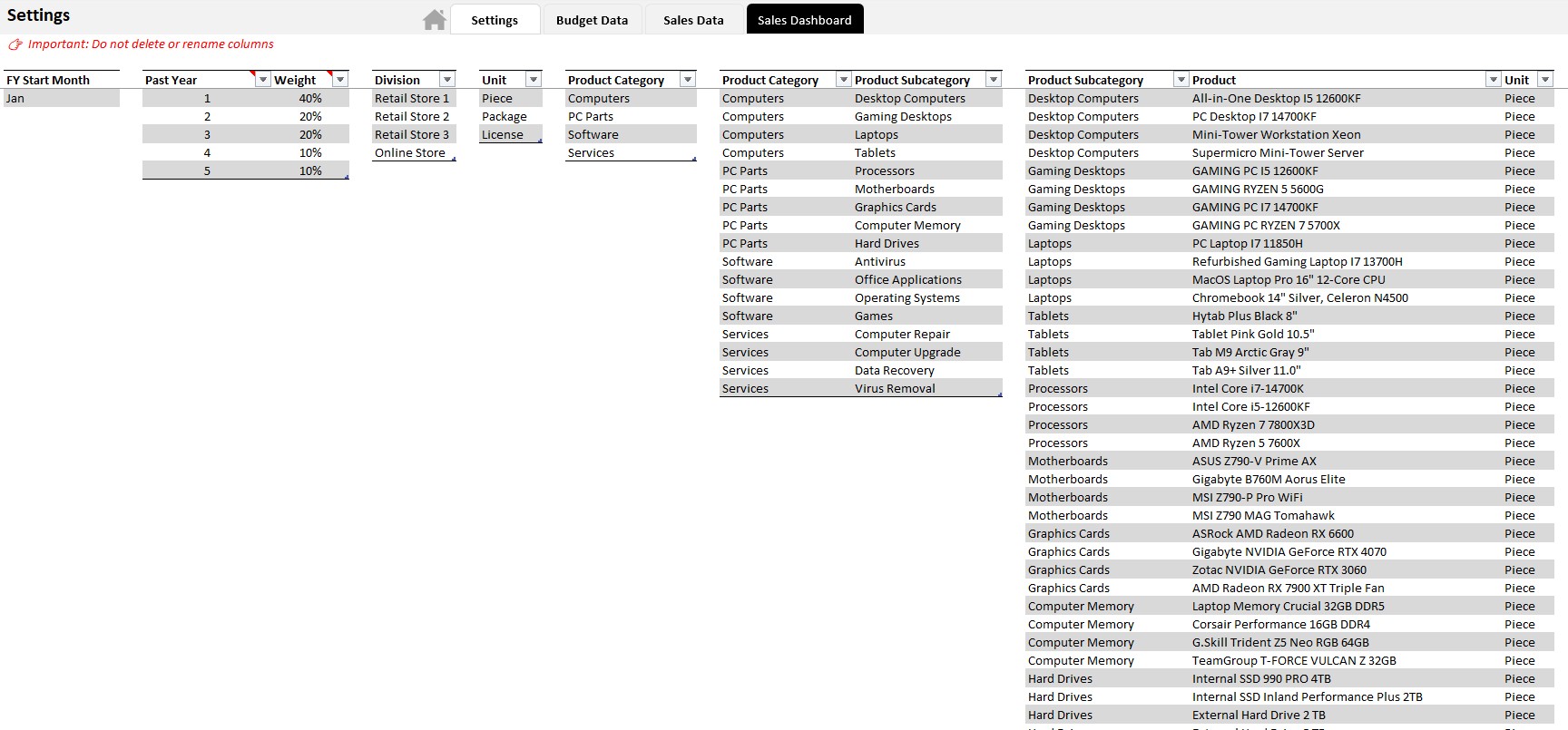
- Define the hierarchy of products
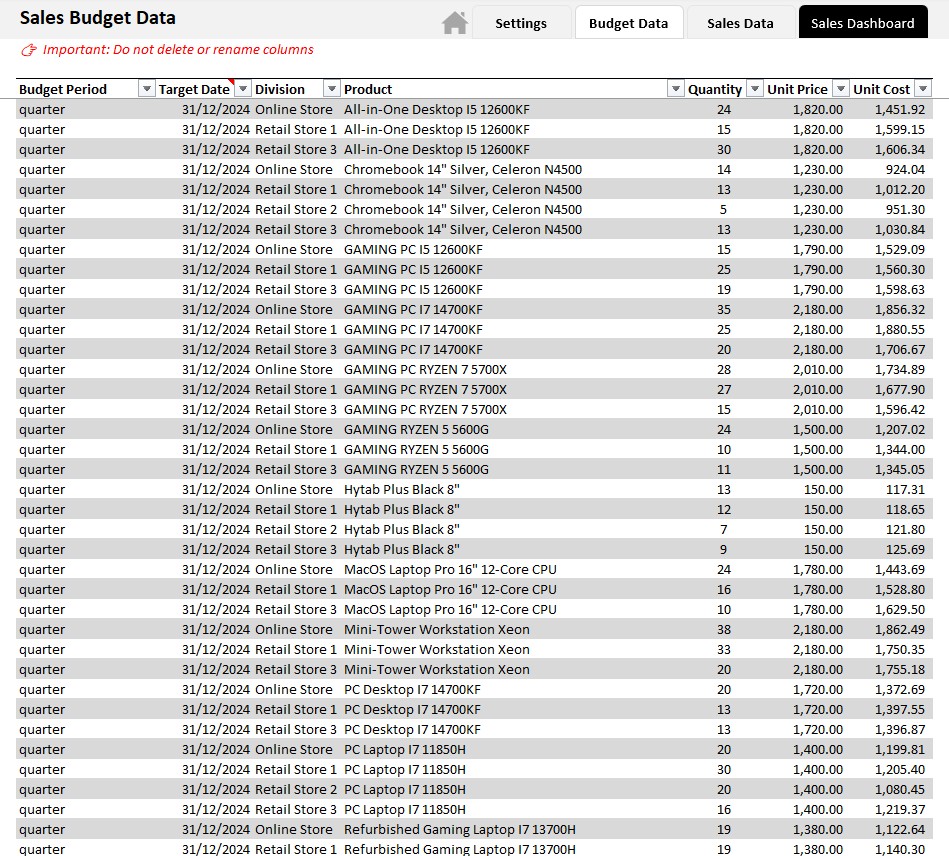
- Enter sales budget
- Regularly enter or import actual sales data
Video:
Template Requirements and How to Use:
- Works on PC with Windows.
- Does not work on MAC.
- Requires Microsoft Excel version 2016 or higher with Power Pivot add-in. 👉🏼 Watch this video to find out if your Excel version includes the Power Pivot add-in.
- Allow Macros to run (enable content when opening file).
- Ready-to-use template, just enter or import your data.
- Dashboard ready to be printed.
- Instructions on the Excel sheet “User Guide”.
Customizable template:
Colors, fonts, and all style attributes can be changed to suit your needs. If you want to make changes on your own, just enter the password included with the file to unlock the template.
Included in the download:
- A template with sample data
- An empty template, ready to receive your data.
Download link:
- Downloads are available from your account once your payment is confirmed.
Warning:
We have put a lot of effort into providing you with a quality work tool at a reasonable price. We kindly ask you to respect the copyright so that we can continue to exist, develop and improve our services. Thank you.
Once purchased, it is prohibited to resell, redistribute, sublicense, assign or transfer this file to anyone in any form. Please read our terms and conditions before purchasing this product.
| Software | Microsoft Excel |
|---|


